Installing Standard and Embeddable Fonts
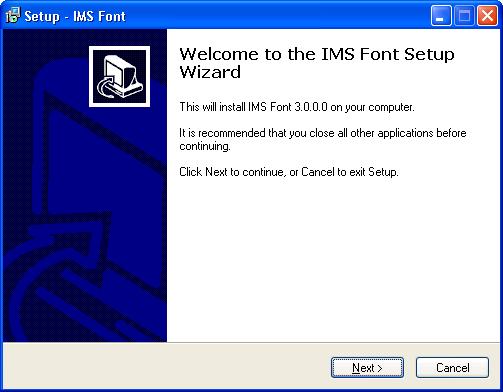
For trial users the Standard font is installed automatically when you install the IMS Wizard program.
If you have a Registration Code from your purchase, you are able to install the font that is embeddable in Adobe PDF files.
The wizard installer is able to install either kind of font, but if you just want to install the font there is a separate font installer also.
Look in your folder where the IMS program was installed and in the Font folder and there is a font installation program.
Or the same installer is available for download on the web page.
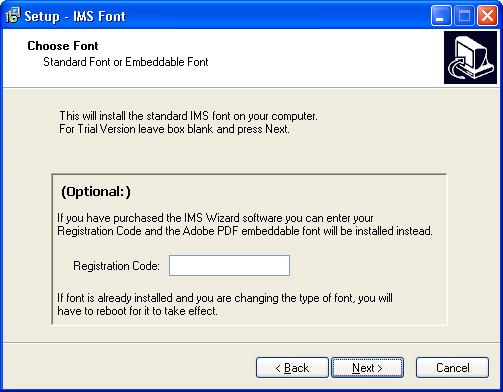
If you do not have a Registration Code, or you don't need to embed the font into Adobe PDF files, skip this page and press next. If you enter the Registration Code you received when you purchased the program it will install the embeddable font.
If the standard IMS font is already installed and in use by some program and you are changing to the embeddable font, then the changes wont take effect until you reboot the computer. In some cases you might have to delete the old font first.
.
Copyright © 2026 i-Logic Software