Configure: Feeds
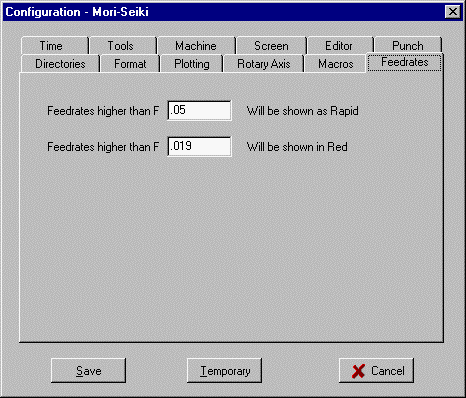
When the toolpath is plotted, feedrates are checked to see if they are higher than either of these two values.
If a feedrate is higher than the first value then the toolpath is plotted in the rapid color. This will give a visible warning of possible errors in the feedrate.
The second value is an intermediate value. If a feedrate is higher than the second value, the toolpath is plotted in red color. This can give a visual warning of faster feedrates.
_________________________________________________________________
Copyright © 2020 i-Logic Software